Introduction
Most travel and tour websites don’t have a traffic problem.
They have a conversion problem.
On recent projects with Indian and international travel brands, I’ve seen the same pattern repeat: people click the ad, open 1–2 packages, then quietly drop off without ever enquiring. The reasons are usually simple—unclear pricing, weak trust, slow pages, or no follow-up once someone shows interest.
In this guide, I’ll walk you through how a travel or tour package website can turn more visitors into real enquiries and confirmed bookings using WooCommerce, practical CRO tweaks, focused SEO content, and paid ads that don’t waste budget.
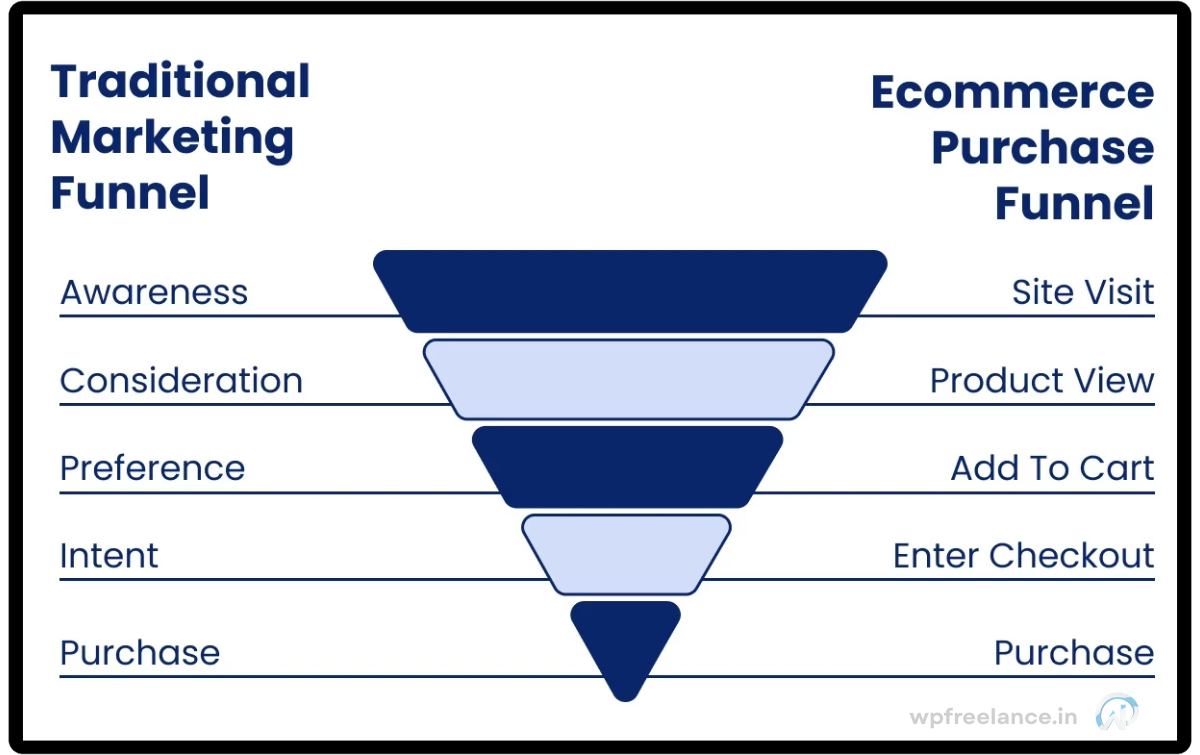
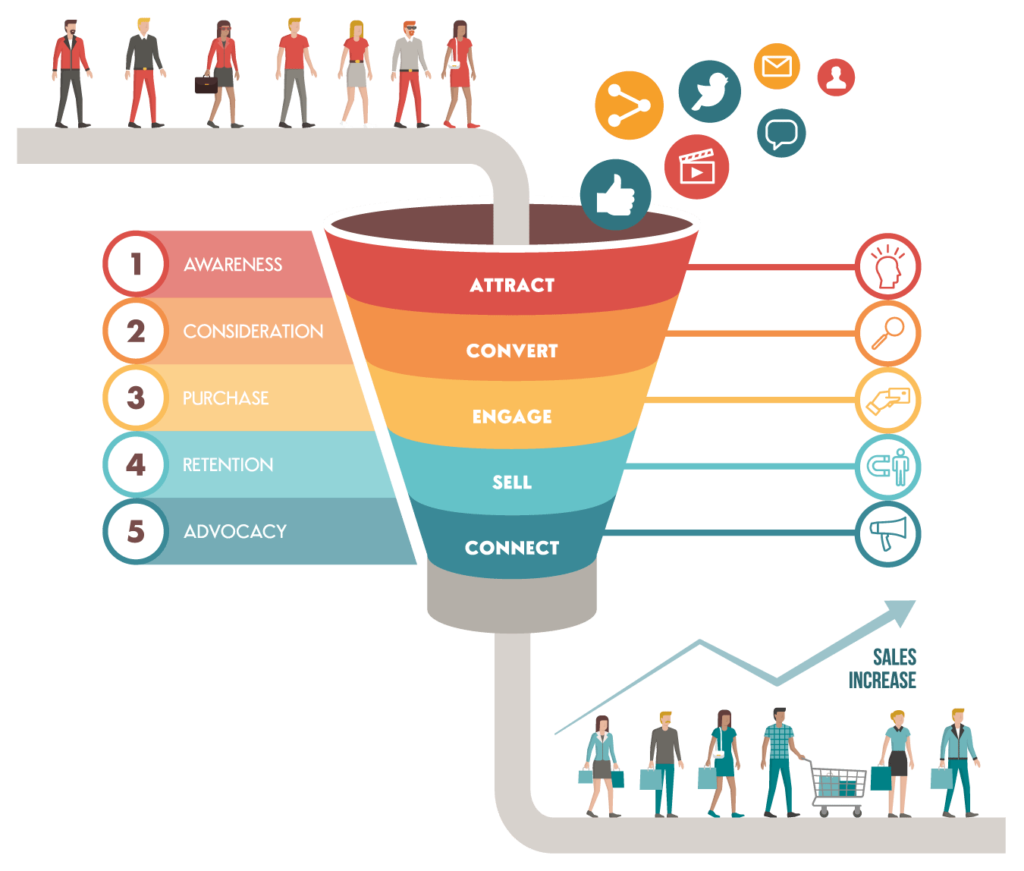
1. The Travel Website Conversion Funnel
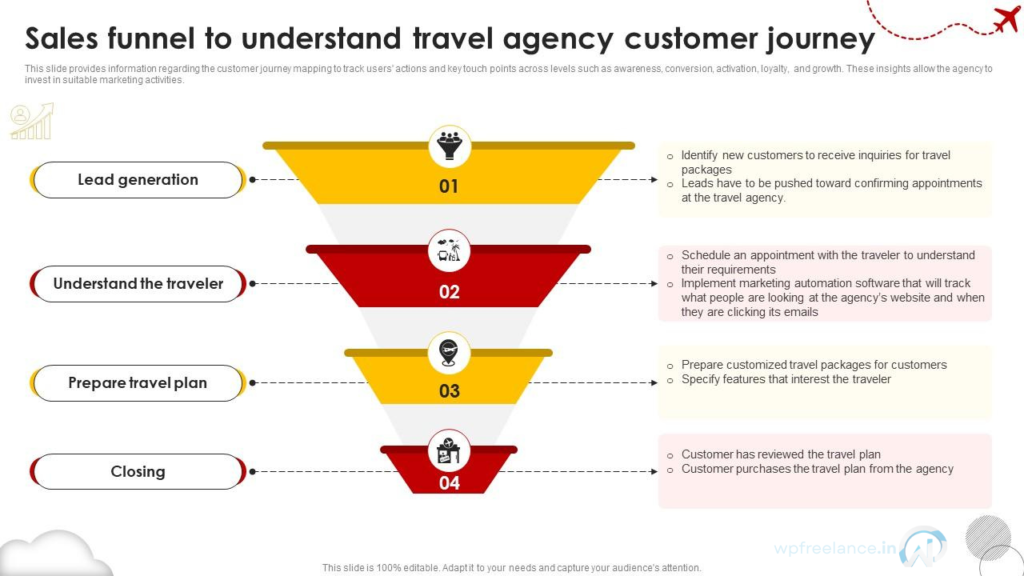
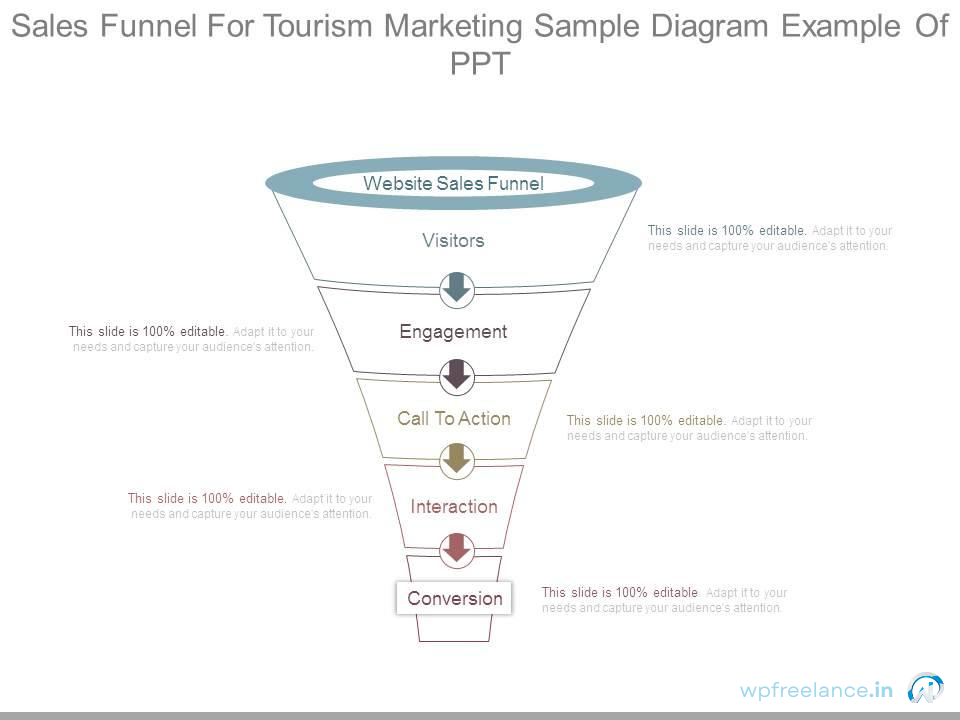
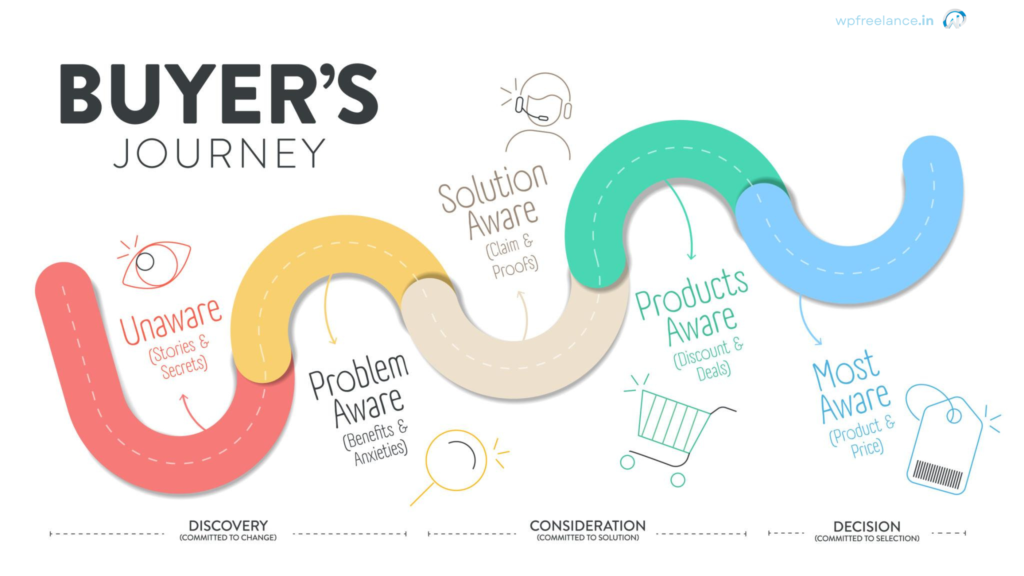
A typical travel booking journey looks like this:
- Visitor clicks an ad or Google result
- Views a tour or package page
- Checks itinerary and pricing
- Sends enquiry / WhatsApp / starts checkout
- Confirms booking
Where most websites lose money:
Steps 2 to 4.
Your goal is to reduce friction, increase clarity, and build trust before asking for commitment.
2. High-Converting Travel Package Page Structure
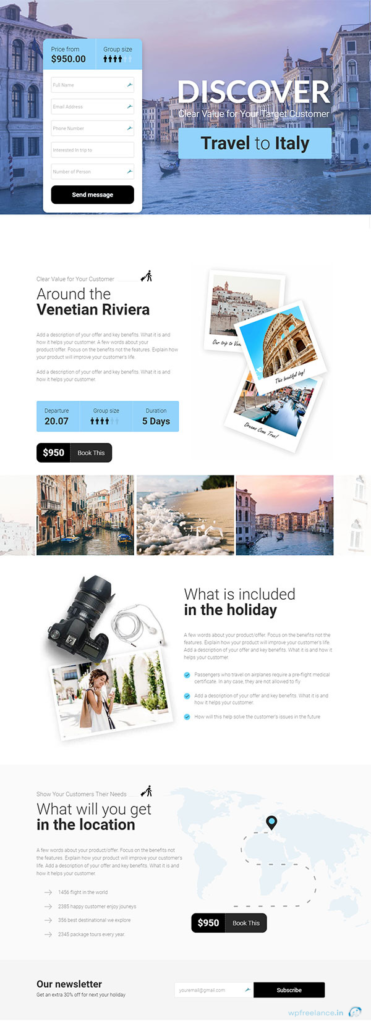
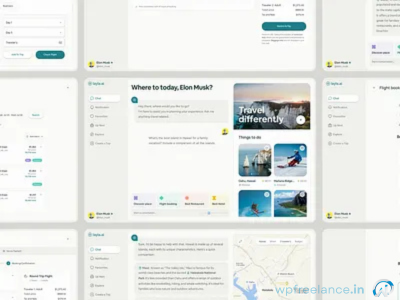
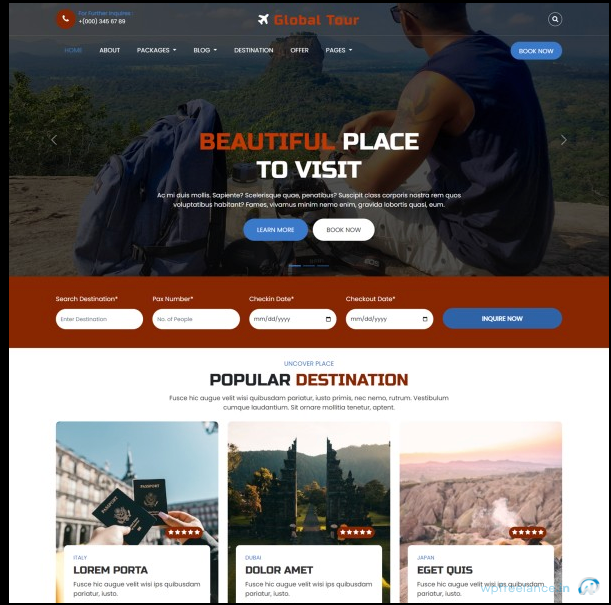
Every tour or travel package page should include:
- Clear hero section with destination + starting price per person
- Day-wise itinerary (accordion layout works best)
- What’s included / excluded (no hidden surprises)
- Hotel, transport, and experience previews
- Real traveller photos or reviews
- FAQ section (ideal for schema + objections)
- Sticky CTA on mobile (Book / WhatsApp / Check Availability)
👉 Replace generic “Book Now” with “Check Availability” or “View Itinerary & Price” to reduce pressure.
3. WooCommerce Setup for Travel & Tour Packages
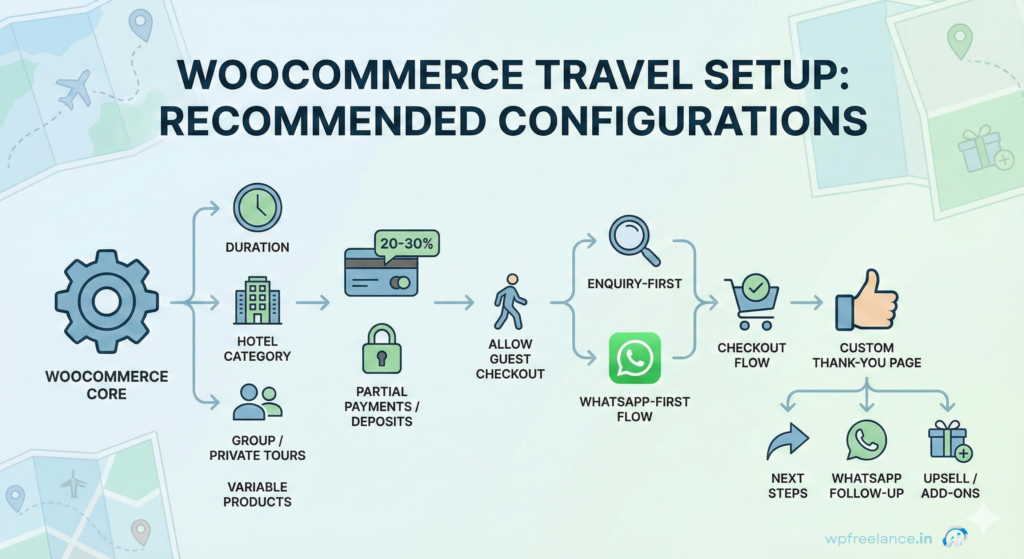
WooCommerce can handle travel packages really well if you treat each tour like a product and design the flow around how people actually book trips. In most projects, the goal is simple: let visitors explore options, pick dates and comfort level, then raise their hand via enquiry or WhatsApp without feeling locked in.
When I’m setting up travel products in WooCommerce, I try to mirror how people actually think about a trip, not how a typical e‑commerce store works.
I usually:
- Use variable products for the real choices travellers care about—trip length (3D/2N, 4D/3N, 5D/4N), hotel category (standard, deluxe, premium), and whether it’s a fixed group departure or a private/custom tour.
- Set clear per-person pricing for each variation and spell out what’s included so there’s no “Oh, that wasn’t part of the package?” moment later.
- Enable partial payments or deposits (often 20–30% to block the booking and the rest before travel), which makes higher-ticket trips feel much easier to say yes to.
- Allow guest checkout so someone can move forward without creating an account first.
On most travel sites I work on, enquiries don’t always go through a traditional cart → checkout flow. A big chunk of serious leads comes through WhatsApp or a simple form.
To support that, I like to:
- Add a WhatsApp-first enquiry flow on the product page (e.g., “Check dates on WhatsApp”) that passes the package name, dates, and number of travellers into the chat.
- Keep a regular “Start Booking” or “Reserve Your Dates” button that still uses the cart/checkout for people ready to commit.
- Use a custom thank-you page after checkout or enquiry that:
- Confirms what will happen next (call within 24 hours, email with details, etc.)
- Shows a clear WhatsApp button for follow-up
- Offers logical add-ons (airport pickup, candle-light dinner, room upgrade, activities)
This kind of setup makes WooCommerce feel less like a rigid e-commerce shop and more like a guided booking assistant, which matches how people actually plan trips.
4. Paid Ads That Make Sense for Travel Brands
Paid ads work for travel—but only when they match user intent.
Sending cold traffic to a homepage or generic listing page usually burns budget.
What performs better is one destination, one package, one next step.
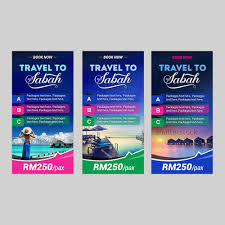
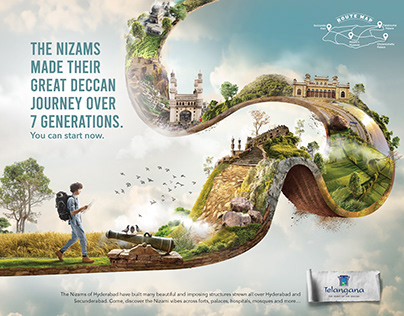
Google Ads
- Destination-intent keywords (example: “Kerala honeymoon package price”)
- Itinerary-focused landing pages
- Call-only ads for premium or urgent bookings
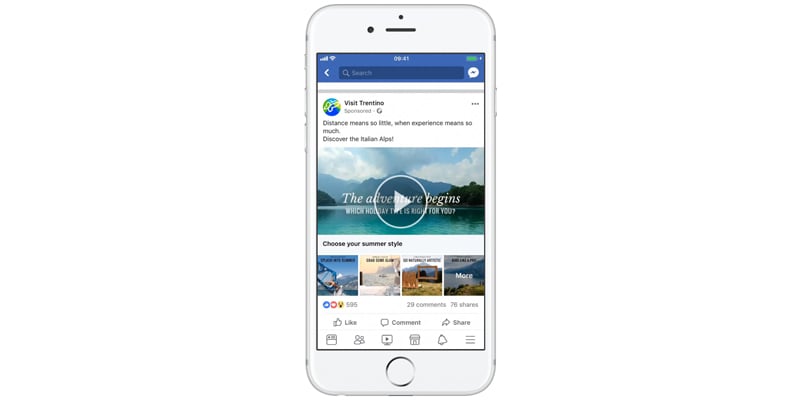
Meta (Facebook & Instagram) Ads
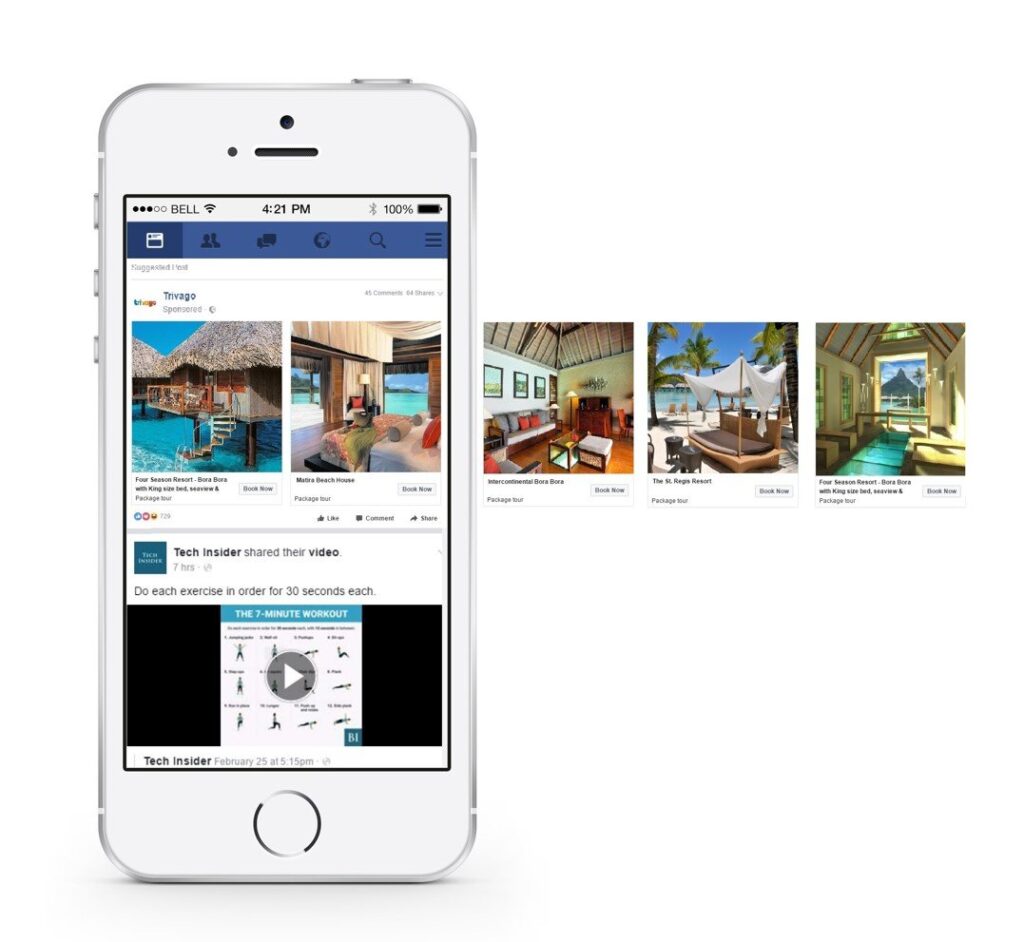
- Carousel ads showing day-wise itinerary
- Short videos highlighting hotels and experiences
- Lead ads for quick enquiries
- WhatsApp click-to-chat campaigns
Every ad should answer one question clearly:
What happens if I click this?
5. Remarketing That Drives Bookings
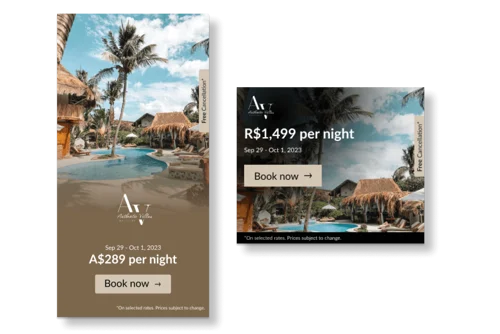
In travel, remarketing isn’t optional—it’s where most bookings close.
People rarely book the first time they see a package.
They book after seeing it again with better context, social proof, or timing.
A practical remarketing flow looks like this:
- Days 1–7: Viewed a package → reminder ad
- Days 8–14: Enquired or added to cart → incentive or reassurance
- Days 15–30: Reviews, testimonials, or limited-slot messaging
The best-performing creatives are rarely “salesy”.
They show real travellers, real experiences, and real outcomes.
Effective creatives include:
- Real traveller photos
- Short testimonial videos
- Limited-slot or date-based messaging
6. SEO Content That Supports Sales (Not Just Traffic)
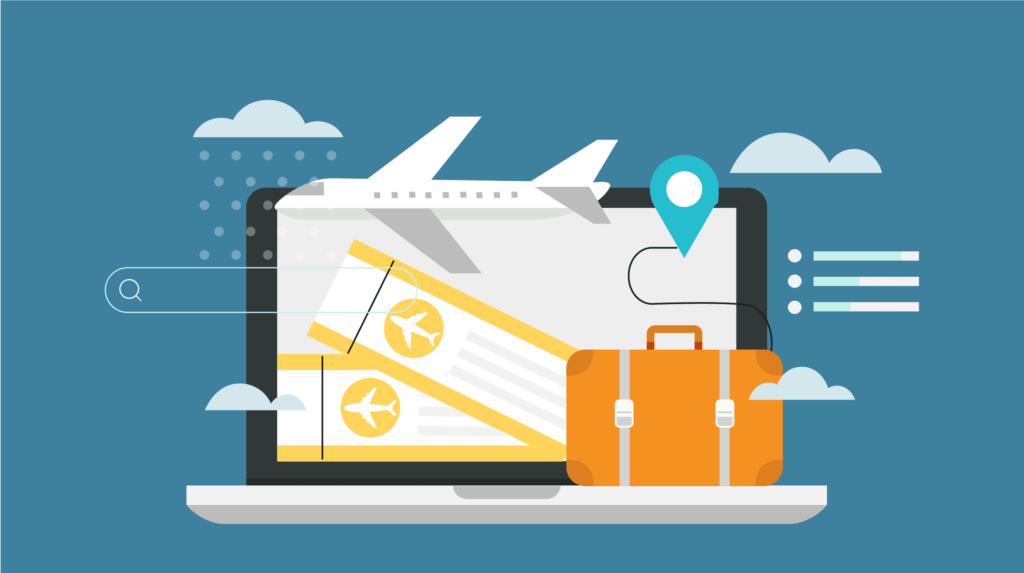
Travel blogs should not exist just to rank. They should guide readers/viewers toward relevant packages.
Content formats that consistently support bookings:
- Best time to visit a destination (for example, Kashmir in winter if you enjoy snow and quieter valleys).
- Budget vs luxury travel comparisons with real price ranges and what you actually lose or gain at each level.
- Sample itineraries based on trips you’ve actually planned or run for clients.
- Hidden places or local experiences you or your past travellers personally loved, not just what’s on the first page of Google.
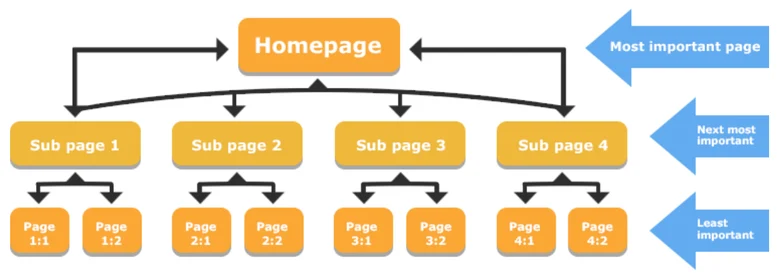
The key here is internal linking.
Every blog should naturally point to related tour packages without forcing the sale.
7. Conversion Metrics to Track (GA4 + Meta Pixel)
Check the metrics That Actually Matter.
If you’re going to improve bookings, you first need to see what’s actually happening. Instead of staring at “sessions” and “impressions” all day, focus on a handful of events that tell you where people are dropping off and where they’re getting serious
Tracking the right events makes optimisation possible.
Important metrics to monitor:
- Package page views
- WhatsApp clicks
- Enquiry submissions
- Checkout started
- Booking confirmed
With GA4, GTM, and Meta Pixel set up correctly, you stop guessing and start scaling what works.
| Metric | Why it matters |
|---|---|
| Package View | Interest signal |
| WhatsApp Click | High-intent lead |
| Enquiry Submit | Sales opportunity |
| Checkout Started | Strong buyer intent |
| Booking Confirmed | Revenue |
Tracking these correctly helps you scale ads with confidence instead of guessing.
Final thoughts
Most travel websites don’t need to chase “more traffic” as their first move. They need clearer package pages, a smoother booking flow, and better follow-up across multiple visits and touchpoints.
When your offers are easier to understand, your WooCommerce setup reduces friction instead of adding it, and your ads and remarketing support the way people actually plan trips, conversions tend to lift naturally. The result is simple: the same marketing budget starts generating more confirmed bookings—not because of tricks, but because the whole system finally matches how travellers make decisions.
CTA Review & Alignment (Important)
👉 Get a free CRO & tracking audit
Few of our happy clients.


Pradipta Sinha is a WordPress developer, SEO specialist, and founder of WPFreelance, a WordPress-focused agency based in Bankura, West Bengal, India. With over 15 years of experience, he specializes in custom WordPress themes/plugins, WooCommerce e-commerce solutions, Shopify/Squarespace stores, Next.js/React/Node.js development, AWS cloud deployment, GA4/Google Tag Manager/Looker Studio analytics, performance optimization, security, and white-label services for agencies.